Notefy
Private notes on shared cards, visible only to you.
Add private, secure notes to any card — ideal for personal reminders or sensitive information only you should see.
- Notes nobody else on the board can see
- Perfect for reminders, drafts and sensitive context
- Works on every card without cluttering the description
7-day free trial · No credit card to install · Cancel anytime
Notefy on its own
or $49/year — save 32%
Using more than two Power-Ups? The All Power-Ups bundle is $12.99/month for every Power-Up we make — including the ones we release next.
A team of 2 or more? Cover your whole Trello workspace for $9.99/month with the Workspace plan — no per-seat counting.
Compare plans →- Unlimited boards and workspaces
- Per person, or one Workspace plan per workspace
- Cancel in one click, no contract
Notefy (Private notes for cards)
Create private notes directly in the Trello cards
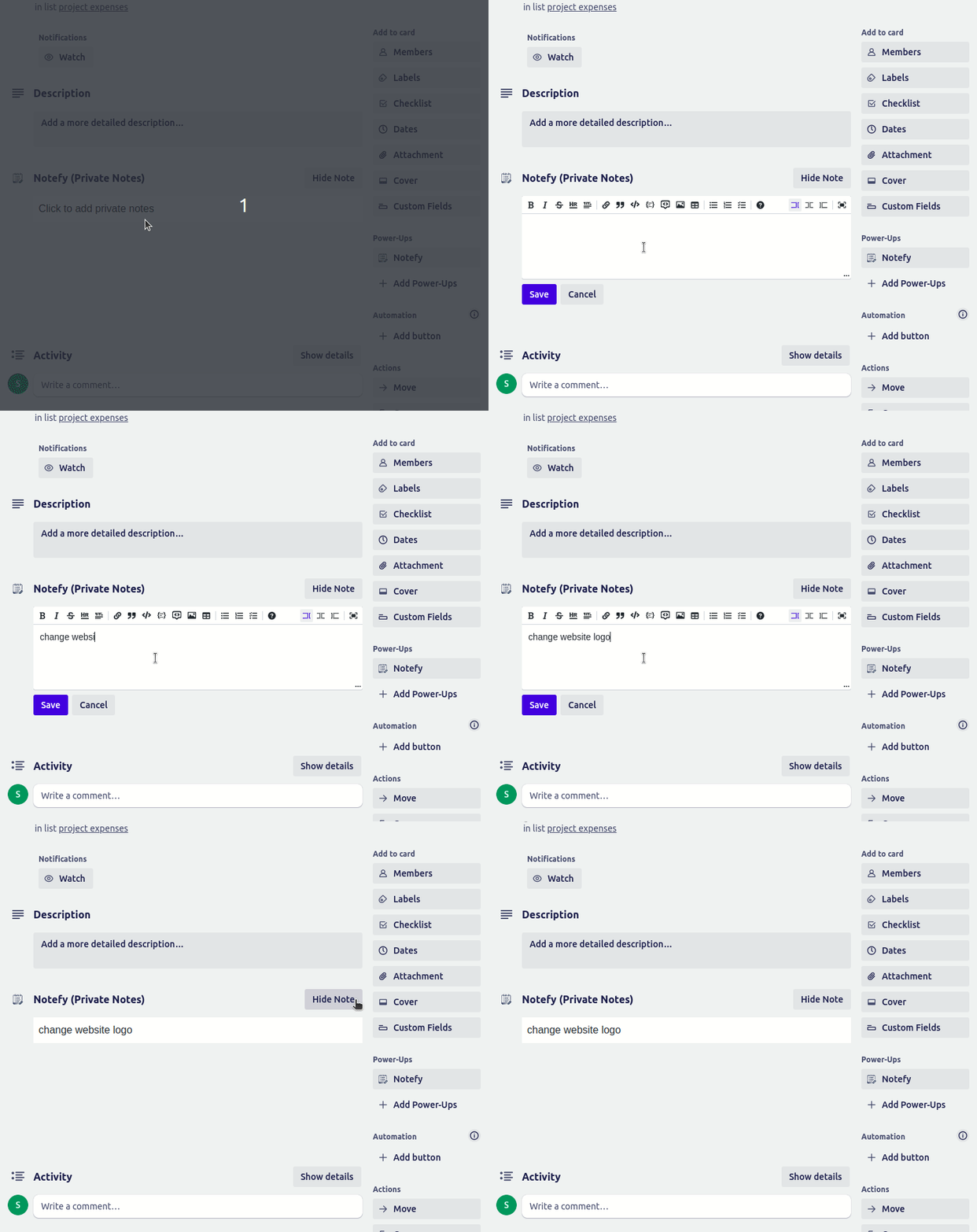
Private means private, enforced on our servers
Admin Control and per-board defaults
Make your highlights stand out
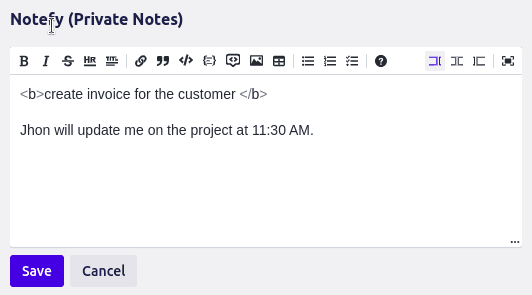
Checklists and tables, inside your notes
Write full screen, distraction free
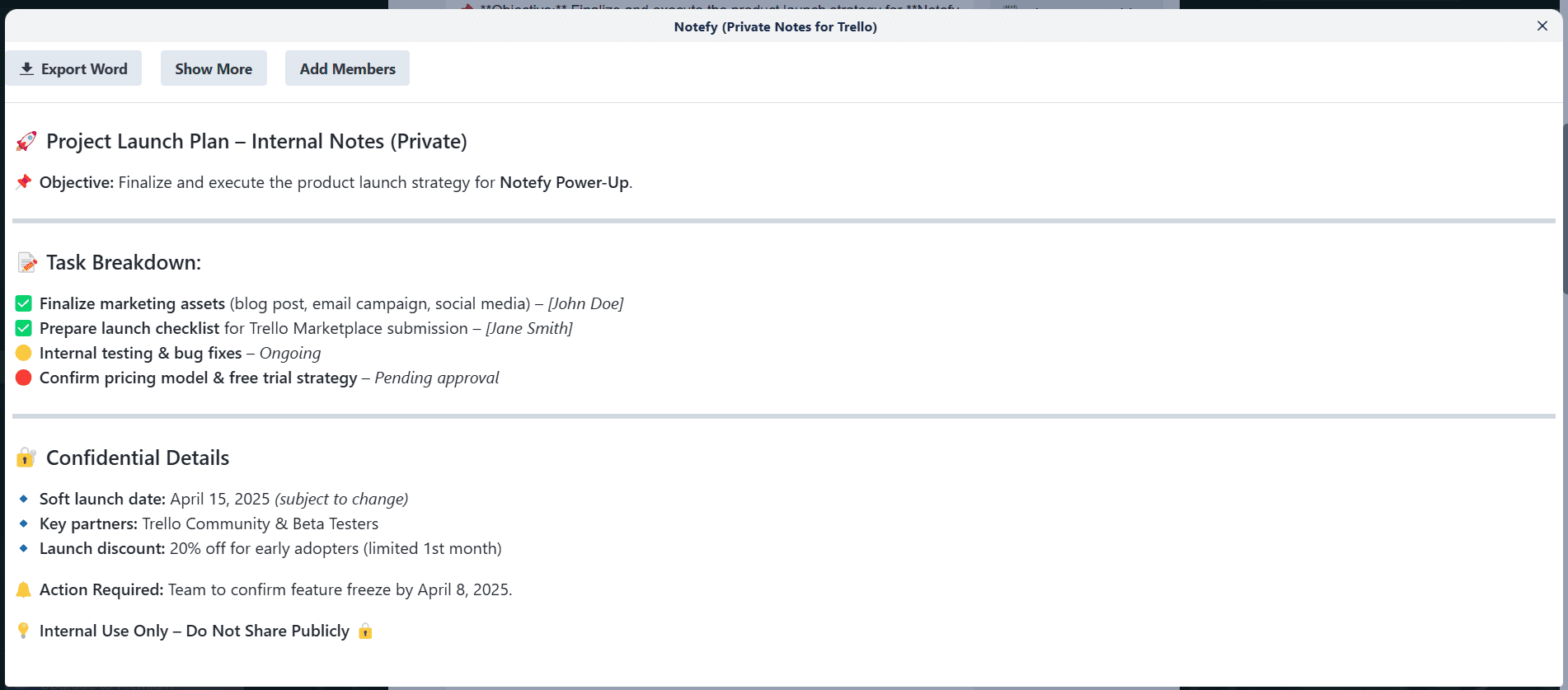
Start from a template instead of a blank page
Nothing you type gets lost
Search every note on the board
See which cards have notes, without opening them
Mention a teammate with @, and grant access in one click
Know who wrote what
Export as Word, PDF, Markdown or straight to the clipboard
Dark mode that follows your board
One Workspace plan for the whole workspace
Delete a note from the section header
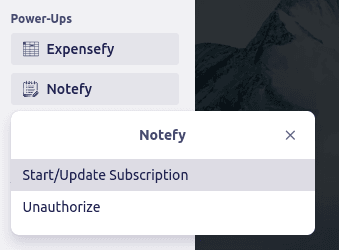
Stripe Customer Portal
Try Notefy on your own board
Installs in seconds from the Trello directory. Full access for 7 days — cancel before it ends and you pay nothing.
Start my free trial of NotefyQuestions before you start
Is Notefy free to try?+
Yes. Every plan starts with a 7-day free trial with full access to every feature. You can cancel at any point during the trial and you will not be charged.
How much does Notefy cost after the trial?+
Notefy on its own is $5.99/month or $49/year. If you use more than two of our Power-Ups, the All Power-Ups bundle is better value at $12.99/month or $99/year and includes everything we make.
Do I pay per person, or is there a Workspace plan?+
Both. A personal subscription covers you across unlimited boards and workspaces. For a whole team, a Trello workspace admin can buy a Workspace plan for $9.99/month from inside the Power-Up. It covers everyone in that workspace on every board, with no per-seat counting, so it is cheaper than individual plans from 2 people up. The Workspace plan is for one Power-Up.
Can I cancel whenever I want?+
Yes. Manage or cancel your subscription yourself in the Stripe customer portal, reachable from inside the Power-Up. There is no contract and no cancellation fee.
Does Notefy work with the rest of my board?+
Notefy installs from the Trello Power-Up directory and works inside your existing boards. There is nothing to configure, no separate account to create, and it supports Trello's dark mode.
What happens to my data?+
Your board data stays in Trello. We do not sell it, and we do not need to see it to do our job. Full details are in our privacy policy.
Teams using Notefy also add
All of these are included in the $12.99/month bundle.
- T
Tablefy
ProductivityBuild dynamic tables directly on your Trello cards, making structured data easy to organize and scan at a glance.
7-day free trial
- E
Easy Fields
ProductivityAdd custom fields to your cards for more flexibility and personalization in how your team tracks work.
7-day free trial
- C
Card Progress Bar
ProductivityVisualize progress on any card with a clean progress bar and percentage indicator — no more guessing how close something is to done.
7-day free trial
Need Notefy to do something it doesn't?
We build custom Power-Ups and take on feature requests. Tell us what you need and we'll reply within 48 hours with feasibility and a rough estimate.
Talk to us about custom work →Notefy
7-day free trial · from $5.99/mo